First launch
Welcome in Mētra .
What happens on first launch
The first time you open Mētra, there is no account to create and no email to enter. Two screens, and you’re in.
Screen 1 — Welcome
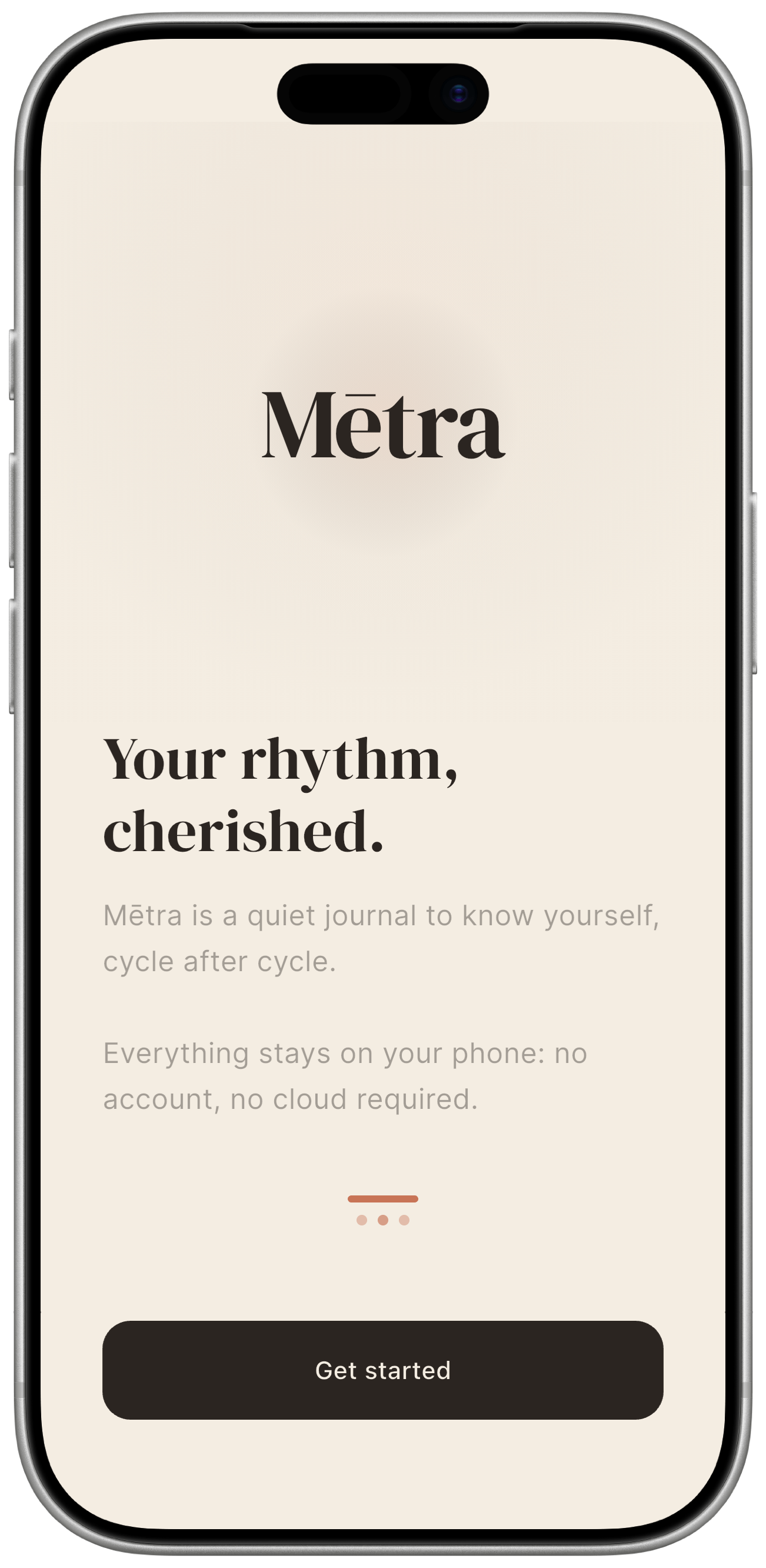
You see the Mētra wordmark and a short manifesto about what the app is — and what it isn’t. Worth reading: it sets the frame before you log a single day.
A small IT / EN segmented control in the top-right corner switches the app language before you tap Get started.
Tap Get started to continue.
Screen 2 — Your baseline data
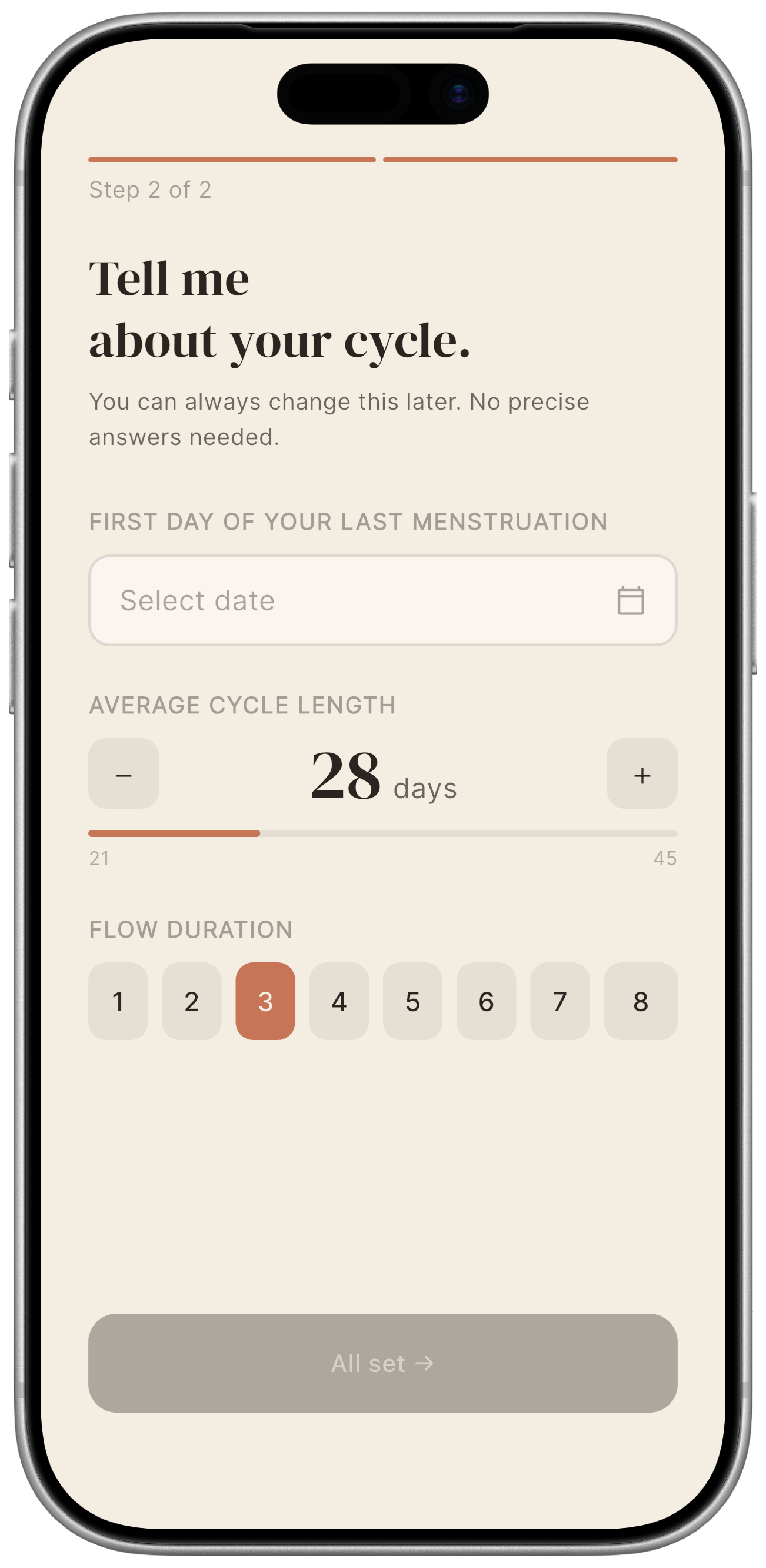
Mētra asks for three things so it can start making predictions calibrated to your cycle:
| Field | Default | What it means |
|---|---|---|
| First day of your last menstruation | current date | The first day of your most recent period. Tap the field to open the date picker. |
| Average cycle length | 28 days | The number of days from the first day of one period to the first day of the next. Most people fall between 21 and 35 days. |
| Flow duration | 5 days | How many days your period usually lasts. |
Tap the date field to set when your last period started. Use the − and + buttons to adjust cycle length. These are starting points, not verdicts: Mētra refines its predictions from your data as you log cycles — not from anyone else’s.
Tap All set → to enter the app.
After first launch
You arrive on the Calendar tab. Today’s date is highlighted. The calendar already shows a predicted period window built from the numbers you just entered.
From here, everything you log is saved locally on your device. Mētra does not send this information anywhere.